Transform
The Transform module provides GPU-accelerated geometric transformations for images.
Flip
Flips the image across the specified axis.
Example - Horizontal Flip:
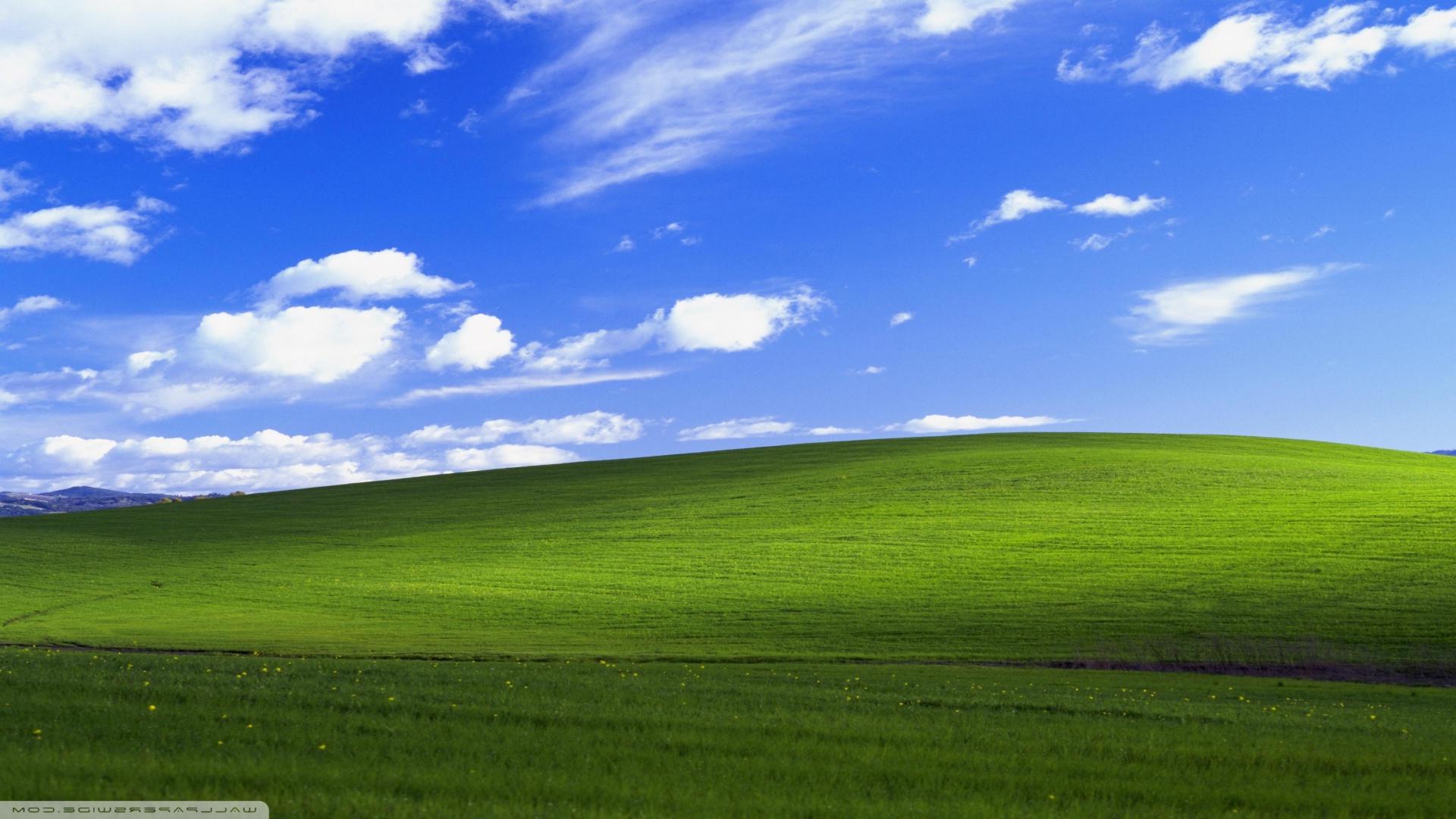
Parameters:
image(Image): Source imagedirection(str): Flip direction -'horizontal'(default),'vertical', or'both'dst_buffer(Image | None): Optional output buffer (default: None)
Returns: New flipped image (or None if dst_buffer provided)
Rotate
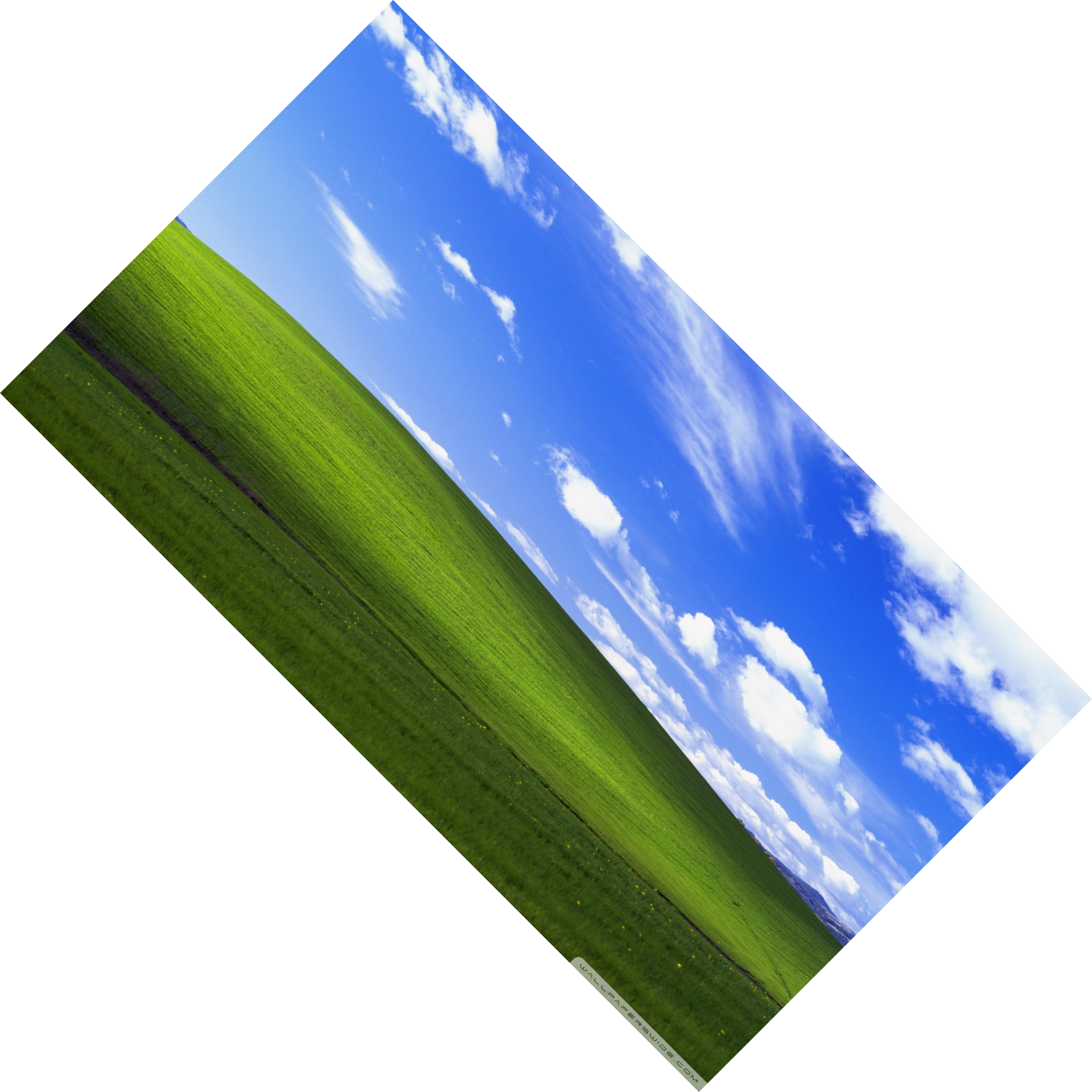
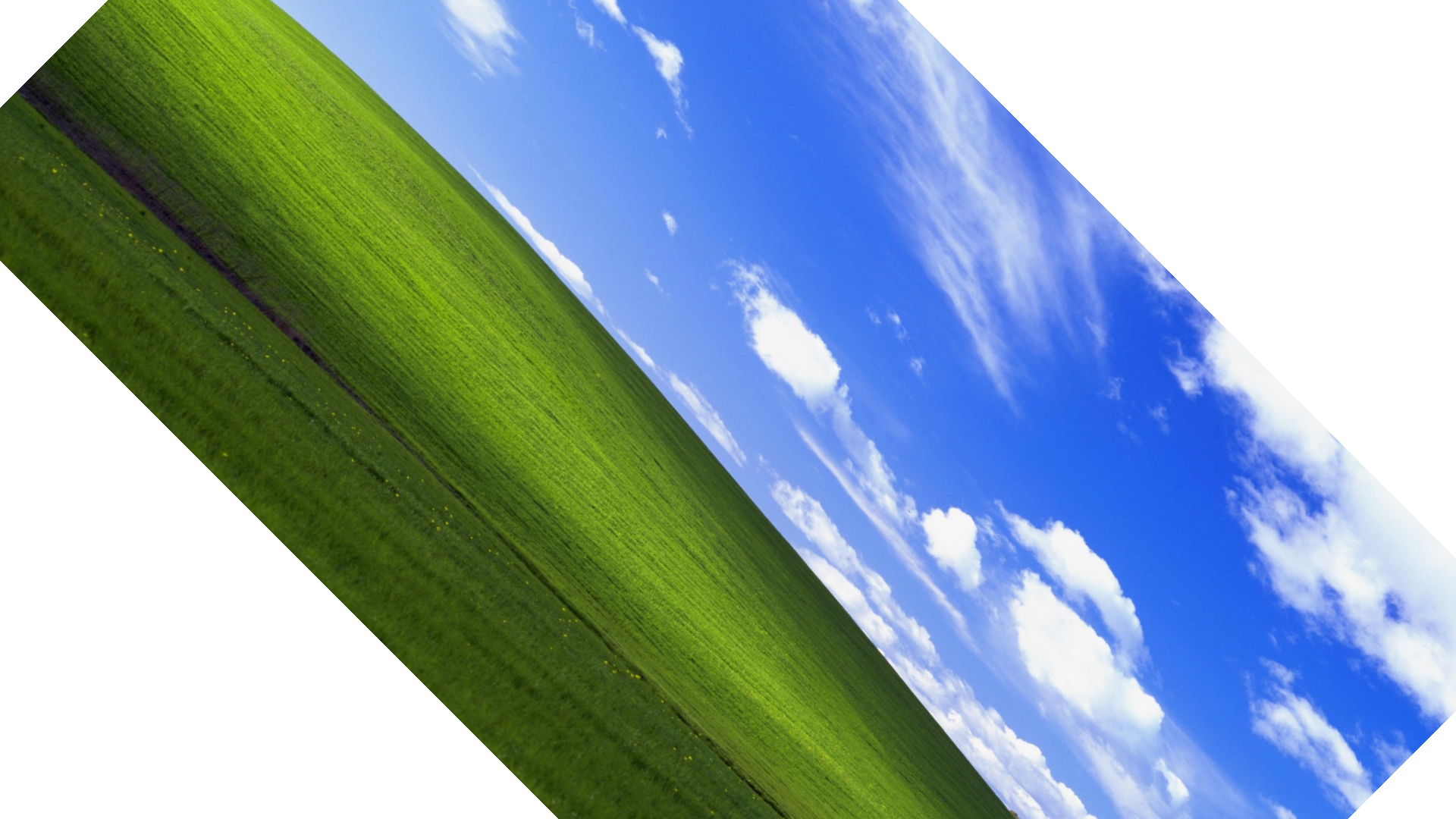
Rotates the image by any angle in degrees (clockwise) with selectable interpolation quality.
Example - Expand Mode (Default):
Example - No Expand Mode:
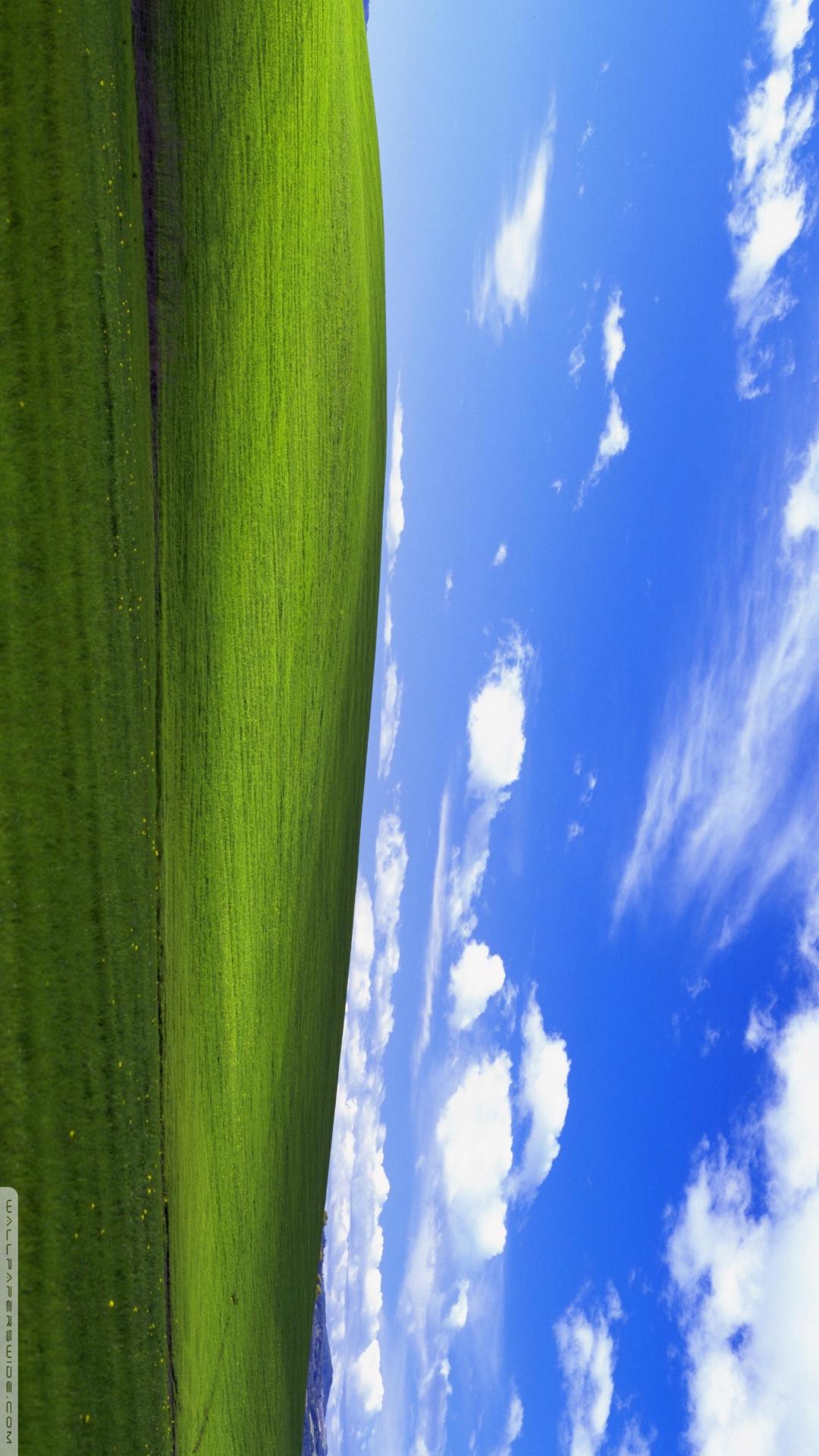
Example - 90° Rotation (Optimized):
Parameters:
image(Image): Source imageangle(float): Rotation angle in degrees (clockwise). Positive values rotate clockwise, negative counter-clockwiseexpand(bool): If True, expand canvas to fit entire rotated image; if False, keep original dimensions and clip (default: True)interpolation(str): Interpolation method -'nearest','bilinear'(default),'bicubic', or'lanczos'dst_buffer(Image | None): Optional output buffer (default: None)
Returns: New rotated image (or None if dst_buffer provided)
Optimization notes: - Rotations of exactly 90°, 180°, and 270° use optimized fixed-angle kernels (lossless, pixel-perfect) - Other angles use the selected interpolation method - 0° rotation is optimized as a simple copy - Fixed rotations (90°/180°/270°) ignore the interpolation parameter
Expand mode behavior: - expand=True: Canvas size changes to fit the rotated image completely (recommended) - expand=False: Canvas size stays the same, corners may be clipped
Zoom
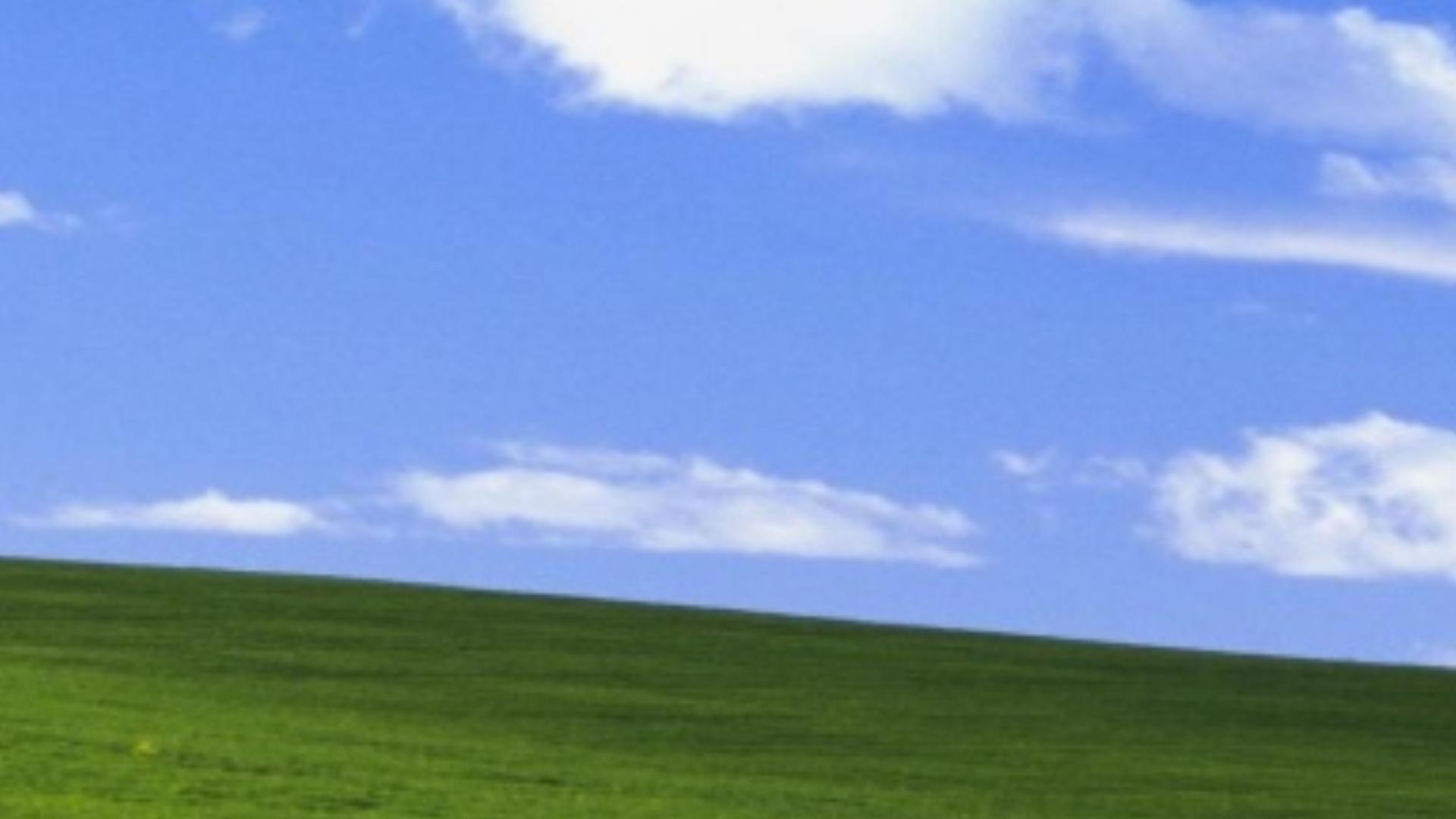
Zoom into an image with optional buffer allocation.
Example - Basic Zoom (Auto-allocate):
Parameters:
image(Image): Source image (can be any size, e.g., 8K)zoom_factor(float): Zoom level -2.0= 200%,10.0= 1000% (default: 2.0)center_x(float | None): Center X coordinate in pixels (default: image.width / 2)center_y(float | None): Center Y coordinate in pixels (default: image.height / 2)interpolation(str): Interpolation method -'nearest','bilinear'(default),'bicubic', or'lanczos'dst_buffer(Image | None): Optional output buffer (default: None, creates buffer same size as source)
Returns: New zoomed image (or None if dst_buffer provided)
Key advantages:
- Flexible sizing: Auto-allocate at source size or use custom canvas
- Memory efficient: With
dst_buffer, VRAM =src + dstonly (no intermediate buffers) - Constant performance: Zoom time is O(dst_pixels), independent of zoom level
- Full quality: Even at extreme zoom (20×, 50×, 100×), maintains interpolation quality
- Perfect for viewers: Load massive image once, pan/zoom in real-time
Crop
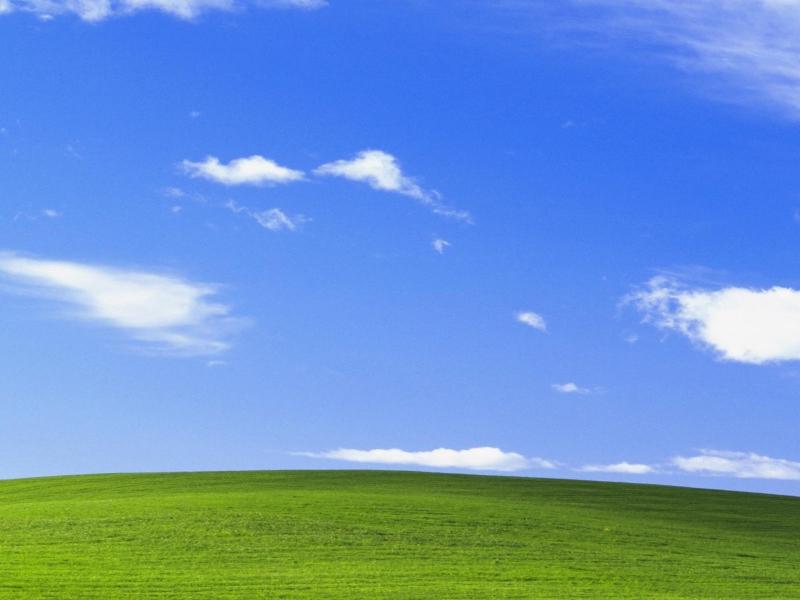
Crops a rectangular region from the image.
Example:
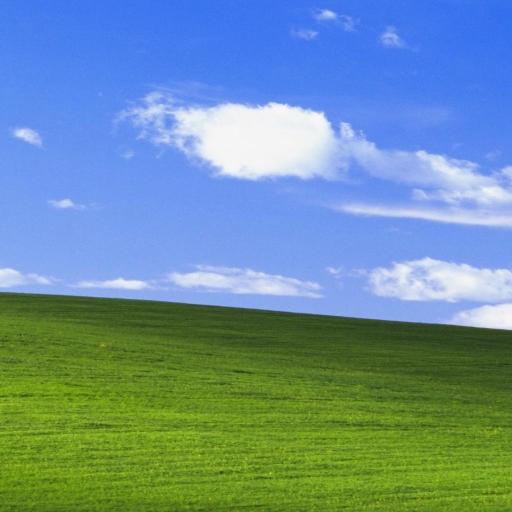
Example - Center Crop:
Parameters:
image(Image): Source imagex(int): Left coordinate of crop regiony(int): Top coordinate of crop regionwidth(int): Width of crop region (must be positive)height(int): Height of crop region (must be positive)dst_buffer(Image | None): Optional output buffer (default: None)
Returns: New cropped image (or None if dst_buffer provided)
Boundary behavior: - If crop region extends outside image bounds, those areas are filled with transparent black (0, 0, 0, 0) - Only the overlapping region is copied from the source image
Buffer Reuse
All transform operations support buffer reuse for batch processing.
Example - Batch Rotation:
from pyimagecuda import Image, load, Transform, save

# Pre-allocate buffer with sufficient capacity
# For 45° rotation of 1920×1080, we need ~2720×2720
dst = Image(3000, 3000)

for file in image_files:
    img = load(file)

    Transform.rotate(
        img,
        angle=45,
        interpolation='bicubic',
        dst_buffer=dst
    )

    save(dst, f"rotated_{file}")
    img.free()

dst.free()
Example - Batch Zoom:
from pyimagecuda import Image, load, Transform, save

src = load("photo.jpg")
canvas = Image(1920, 1080)

# Generate zoom sequence
for i, zoom in enumerate([1.0, 2.0, 5.0, 10.0, 20.0]):
    Transform.zoom(src, zoom_factor=zoom, dst_buffer=canvas)
    save(canvas, f"zoom_{i:02d}.jpg")

src.free()
canvas.free()
Example - Batch Crop:
from pyimagecuda import Image, load, Transform, save

# Pre-allocate output buffer
dst = Image(512, 512)

for file in image_files:
    img = load(file)

    # Center crop to 512×512
    x = (img.width - 512) // 2
    y = (img.height - 512) // 2

    Transform.crop(img, x, y, 512, 512, dst_buffer=dst)

    save(dst, f"cropped_{file}")
    img.free()

dst.free()