Fill
The Fill module provides GPU-accelerated operations for filling images.
Solid Colors
Fill an entire image with a solid color.
Example:

Parameters:
image(Image): Target image to fillrgba(tuple[float, float, float, float]): Color in RGBA format (0.0 to 1.0 range)
Gradients
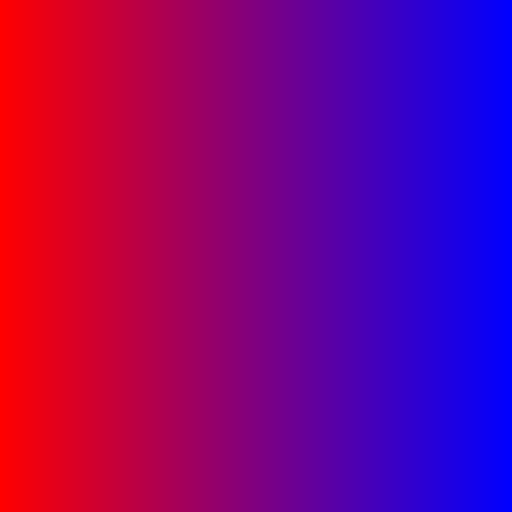
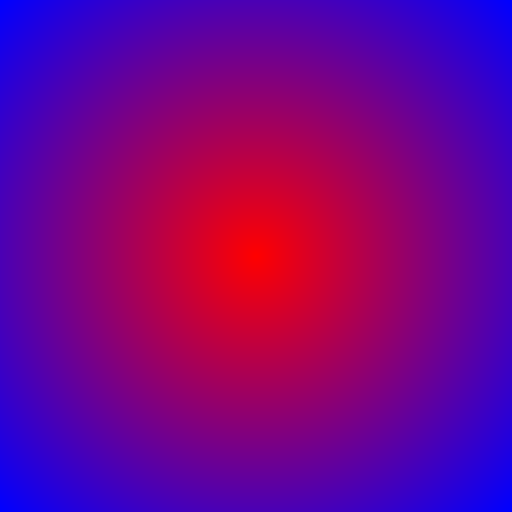
Fill an image with a smooth gradient between two colors.
Example - Horizontal Gradient:
Example - Radial Gradient:
Parameters:
image(Image): Target image to fillrgba1(tuple[float, float, float, float]): Start color (0.0 to 1.0 range)rgba2(tuple[float, float, float, float]): End color (0.0 to 1.0 range)direction(str): Gradient direction -'horizontal','vertical','diagonal', or'radial'seamless(bool): If True, gradient wraps smoothly for tiling (default: False)
Example - Seamless Texture:

Checkerboard
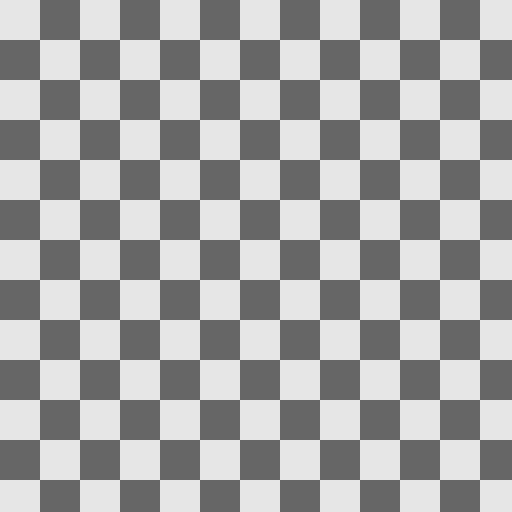
Fill an image with a checkerboard pattern.
Example:
Parameters:
image(Image): Target image to fillsize(int): Size of each checker square in pixels (default: 20)color1(tuple[float, float, float, float]): First checker color (default: light gray)color2(tuple[float, float, float, float]): Second checker color (default: medium gray)offset_x(int): Horizontal offset in pixels (default: 0)offset_y(int): Vertical offset in pixels (default: 0)
Grid
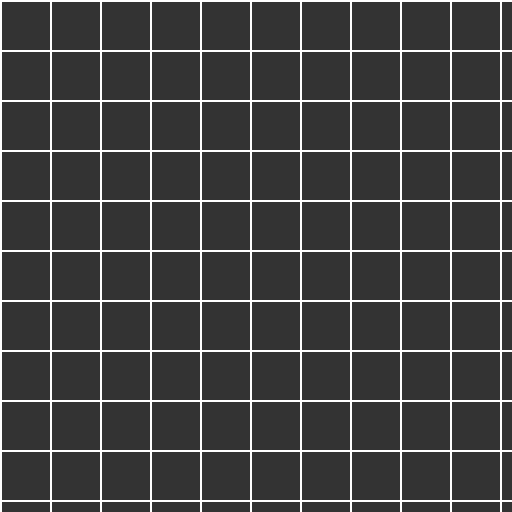
Fill an image with a grid pattern.
Example:
Parameters:
image(Image): Target image to fillspacing(int): Distance between grid lines in pixels (default: 50)line_width(int): Width of grid lines in pixels (default: 1)color(tuple[float, float, float, float]): Grid line color (default: gray)bg_color(tuple[float, float, float, float]): Background color (default: transparent)offset_x(int): Horizontal offset in pixels (default: 0)offset_y(int): Vertical offset in pixels (default: 0)
Stripes
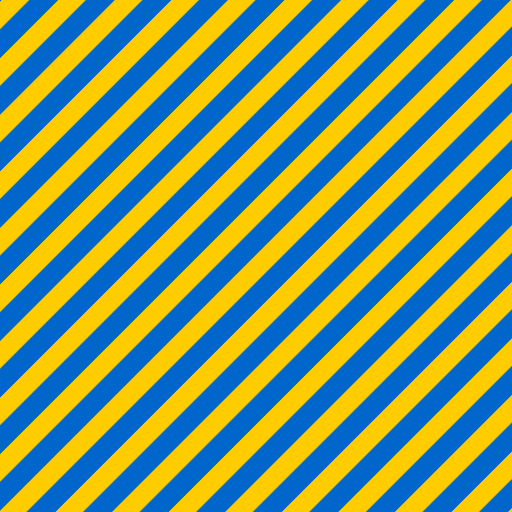
Fill an image with alternating stripes with anti-aliasing.
Example:
Parameters:
image(Image): Target image to fillangle(float): Rotation angle in degrees (default: 45.0)spacing(int): Distance between stripes in pixels (default: 40)width(int): Width of each stripe in pixels (default: 20)color1(tuple[float, float, float, float]): First stripe color (default: white)color2(tuple[float, float, float, float]): Second stripe color (default: transparent)offset(int): Offset along stripe direction in pixels (default: 0)
Dots
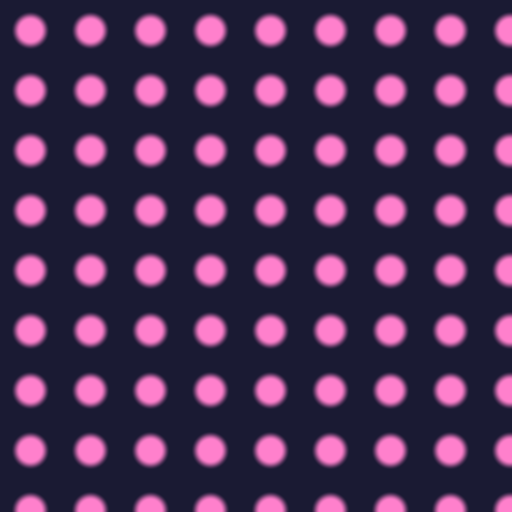
Fill an image with a polka dot pattern.
Example:
Parameters:
image(Image): Target image to fillspacing(int): Distance between dot centers in pixels (default: 40)radius(float): Radius of each dot in pixels (default: 10.0)color(tuple[float, float, float, float]): Dot color (default: white)bg_color(tuple[float, float, float, float]): Background color (default: transparent)offset_x(int): Horizontal offset in pixels (default: 0)offset_y(int): Vertical offset in pixels (default: 0)softness(float): Edge softness - 0.0 for hard edges, 1.0 for soft glow (default: 0.0)
Circle
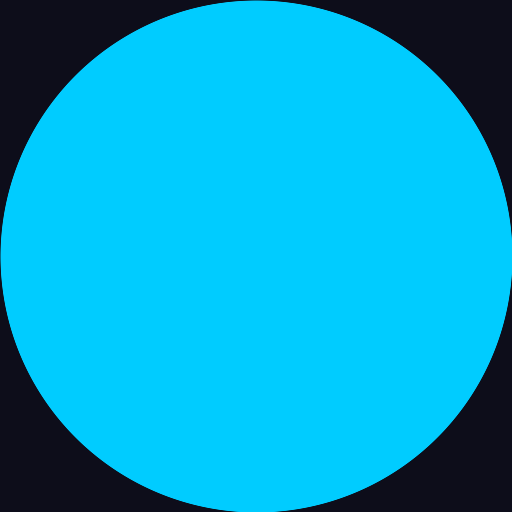
Fill an image with a centered circle fitted to the image size.
Example:
Parameters:
image(Image): Target image to fillcolor(tuple[float, float, float, float]): Circle color (default: white)bg_color(tuple[float, float, float, float]): Background color (default: transparent)softness(float): Edge softness - 0.0 for hard edges with AA, >0.0 for soft gradient (default: 0.0)
Noise
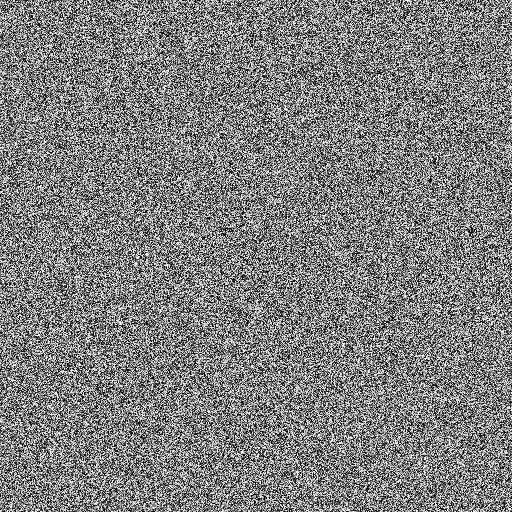
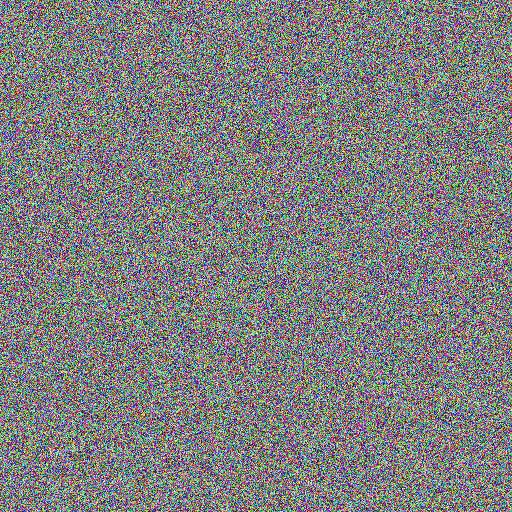
Fill an image with random white noise.
Example - Monochrome Noise:
Example - RGB Noise:
Parameters:
image(Image): Target image to fillseed(float): Random seed - change this to animate the noise (default: 0.0)monochrome(bool): True for grayscale noise, False for RGB noise (default: True)
Perlin Noise
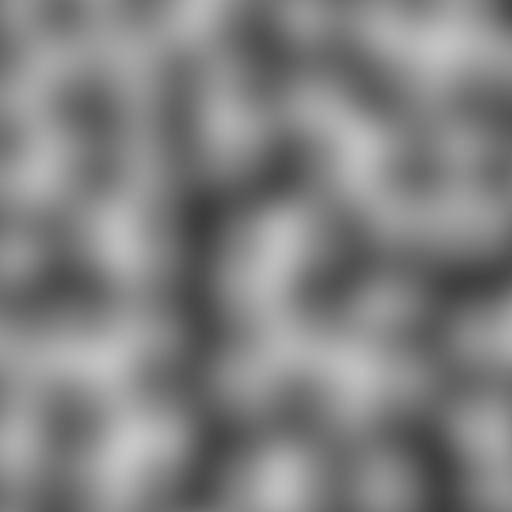
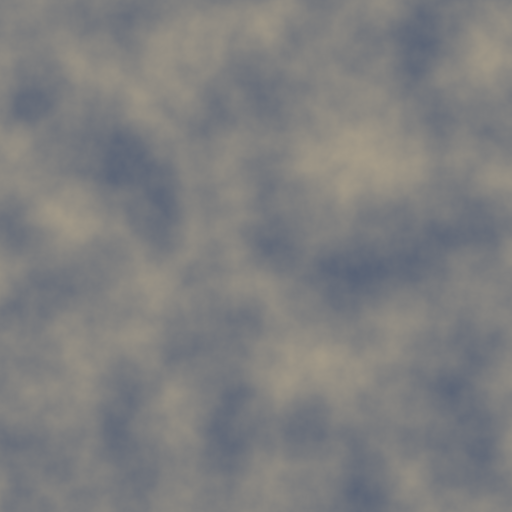
Fill an image with Perlin noise (gradient noise) for natural-looking textures.
Example - Simple Perlin:
Example - Detailed Perlin:
Parameters:
image(Image): Target image to fillscale(float): "Zoom" level - higher values create bigger features (default: 50.0)seed(float): Random seed for variation (default: 0.0)octaves(int): Detail layers - 1 for smooth, 6+ for detailed/rocky appearance (default: 1)persistence(float): How much each octave contributes, from 0.0 to 1.0 (default: 0.5)lacunarity(float): Detail frequency multiplier, usually 2.0 (default: 2.0)offset_x(float): Horizontal offset (default: 0.0)offset_y(float): Vertical offset (default: 0.0)color1(tuple[float, float, float, float]): Low value color (default: black)color2(tuple[float, float, float, float]): High value color (default: white)
N-gon
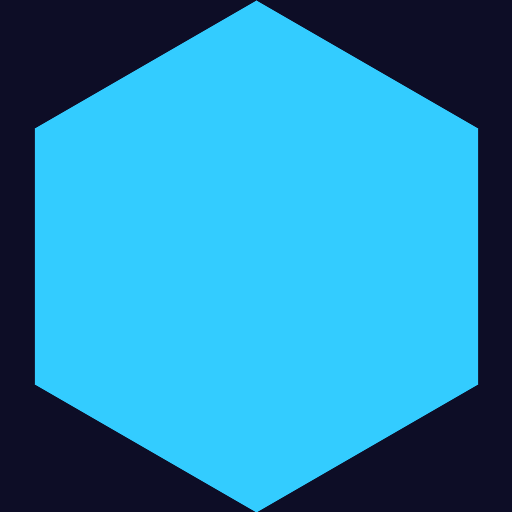
Fill an image with a regular polygon (triangle, pentagon, hexagon, etc.).
Example - Triangle:

Example - Hexagon with Glow:
Parameters:
image(Image): Target image to fillsides(int): Number of sides (must be 3 or more) (default: 3)color(tuple[float, float, float, float]): Polygon color (default: white)bg_color(tuple[float, float, float, float]): Background color (default: transparent)rotation(float): Rotation angle in degrees (default: 0.0)softness(float): Edge softness - 0.0 for hard edges with AA, >0.0 for glow effect (default: 0.0)