PyImageCUDA
PyImageCUDA is a specialized library for creative image composition rather than computer vision or analysis. It provides GPU-accelerated effects for design workflows—operations typically found in professional design software.
Built for composition, not analysis - Focused on creative workflows, not edge detection or object recognition.
Quick Start
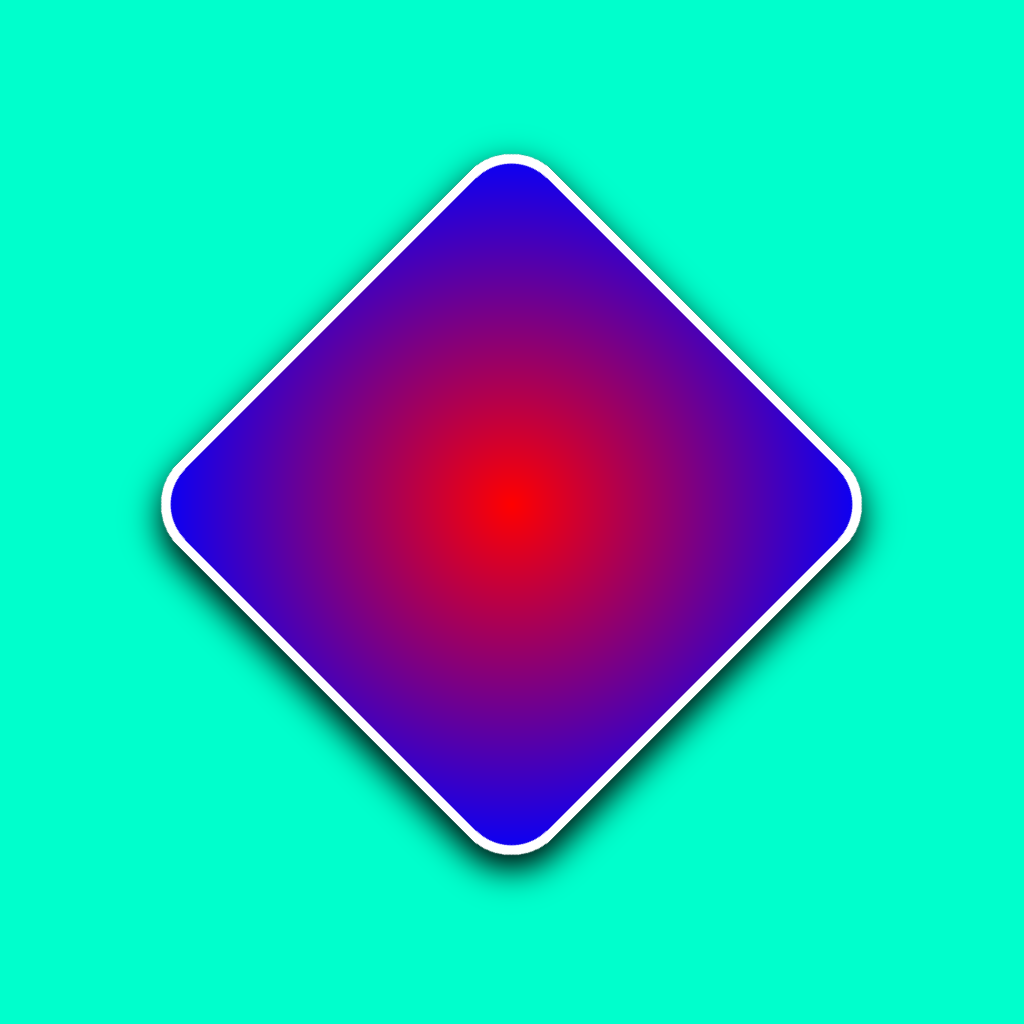
from pyimagecuda import Image, Fill, Effect, Blend, Transform, save

with Image(1024, 1024) as bg:
    Fill.color(bg, (0, 1, 0.8, 1))
    with Image(512, 512) as card:
        Fill.gradient(card, (1, 0, 0, 1), (0, 0, 1, 1), 'radial')
        Effect.rounded_corners(card, 50)

        with Effect.stroke(card, 10, (1, 1, 1, 1)) as stroked:
            with Effect.drop_shadow(stroked,
                                    blur=50,
                                    color=(0, 0, 0, 1)) as shadowed:
                with Transform.rotate(shadowed, 45) as rotated:
                    Blend.normal(bg, rotated, anchor='center')

    save(bg, 'output.png')
Installation
Requirements:
- Windows 10/11 (64-bit), Linux coming soon
- NVIDIA GPU (GTX 900 series or newer)
- Standard NVIDIA drivers
No CUDA Toolkit or Visual Studio required.
Core Concepts
Images and Memory
Two image types: Image (float32) for processing, ImageU8 (uint8) for I/O. Memory management: automatic (GC), explicit (with), or manual (.free()).
→ Full details: Image & Memory
Operation Patterns
Functions follow three patterns based on return type:
- In-place (
None): Modify the source image directly - New image (
Image): Always return a new image - Conditional (
Image | None): Return new image OR modify buffer if provided
Loading and Saving
Load and save images with automatic format conversion between uint8 and float32.
Operations
Fill
Fill images with colors, gradients, and patterns.
Text
Rich typography, system fonts, HTML-like markup, letter spacing...
Blend
Layer compositing with multiple blend modes.
Filter
Gaussian Blur, Sharpen, Sepia, Invert, Threshold, Solarize...
Effect
Design effects like shadows, corners, strokes...
Resize
Scale images with various interpolation algorithms.
Transform
Geometric transformations: rotate, flip, crop...
Adjust
Color adjustments: brightness, contrast, saturation, gamma...
Color Format
All colors use float32 RGBA (0.0 to 1.0): (R, G, B, Alpha)
Converting from uint8: (255, 128, 64) → (1.0, 0.501, 0.251, 1.0)
Advanced: Buffer Reuse
Reuse buffers in batch processing to avoid memory allocations. Buffers can also be dynamically resized within their capacity without reallocation.
→ Full details: Image & Memory